> ## Documentation Index
> Fetch the complete documentation index at: https://docs.anyshift.io/llms.txt
> Use this file to discover all available pages before exploring further.
# What is Annie?
> Annie is your AI-SRE, providing instant root cause analysis, infrastructure knowledge, and change management across your entire cloud stack.
Annie is your **AI-SRE**. Incidents fire, questions surface, dashboards multiply. Annie answers in seconds by correlating cloud, code, containers, and monitoring.
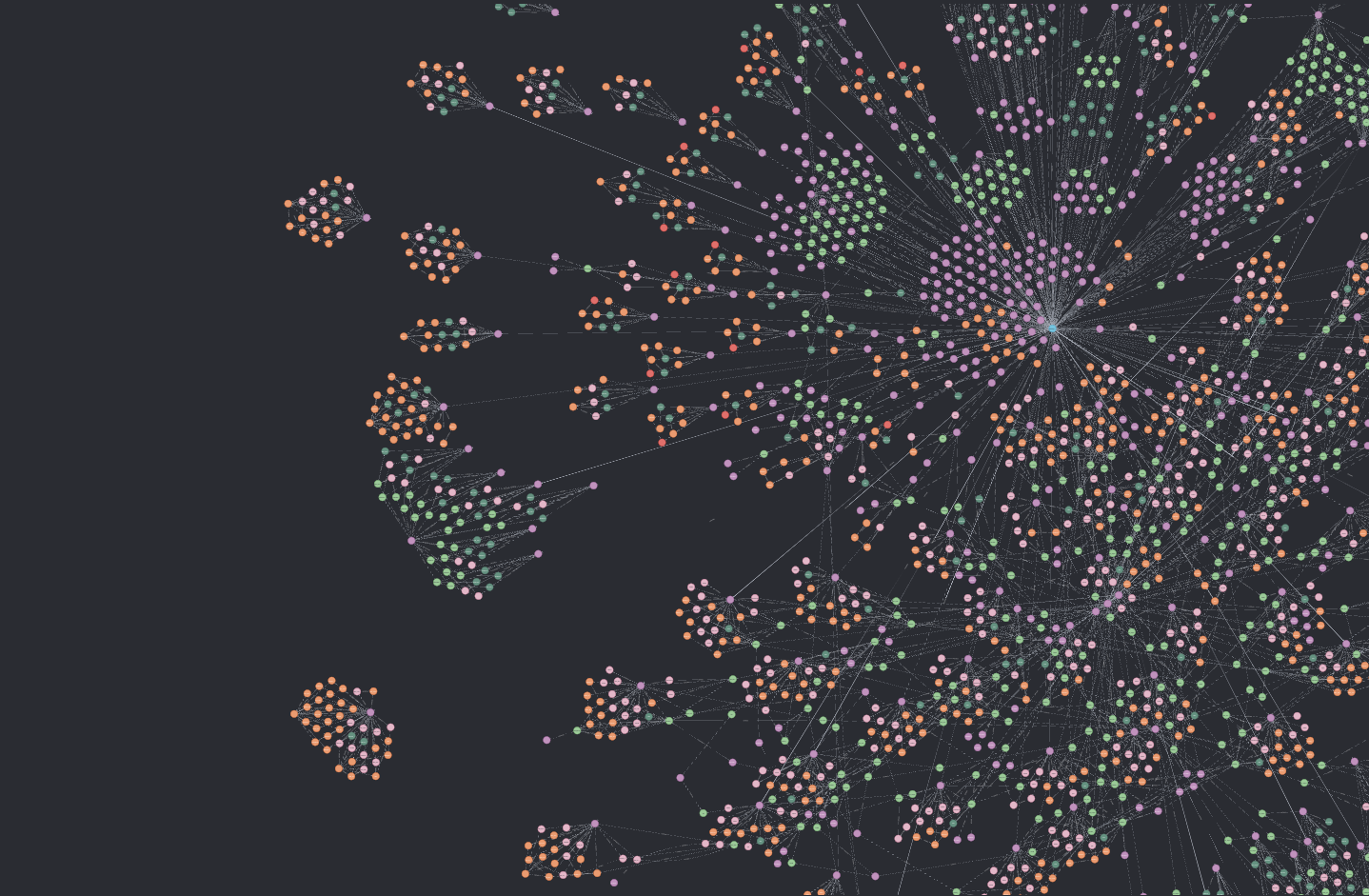
The Anyshift platform builds a versioned graph of your stack. Every IAM change, Helm rollout, Terraform apply, and commit lands as a node. Annie reads that graph to investigate, explain, and trace.
 ## Core capabilities
Automatically pinpoint root causes and get actionable fixes when incidents occur.
Query your infrastructure using natural language and get instant answers.
Track what changed, when, and understand the context of any change.
## Versioned knowledge graph
The graph spans cloud (AWS, GCP), code (Terraform, GitHub, GitLab), containers (Kubernetes), and monitoring (Datadog). Updates land in near real-time. State is queryable across the last 7 days.
## How Annie investigates
How Annie builds a unified view of your infrastructure: cloud, code, containers, and monitoring. Near real-time updates with 7-day history.
How Annie learns from every interaction and coordinates specialized agents to investigate incidents faster.
How Annie connects your declared infrastructure with what's actually running in it.
## Slack-native ingestion
Ask Annie questions directly in Slack. Mention `@Annie` with your question.
Access Annie from your AI coding assistant while you work.
Visual exploration and configuration management.
Slack is the primary surface. [PagerDuty](https://www.pagerduty.com) and [incident.io](https://incident.io) route alerts. Annie listens, investigates, and posts the root cause inline. The on-call engineer never leaves the channel.
## Integration coverage
Annie connects to **AWS**, **GCP**, **GitHub**, **GitLab**, **Terraform**, **Kubernetes**, **Datadog**, **PagerDuty**, **Incident.io**, and more. Each integration is read-only by default. Setup takes about 30 minutes per source. No in-cluster agents, no instrumentation work.
## 30-minute deployment
Set up Annie in under 10 minutes
Sign up for Anyshift
See Annie in action
Sign-up to first investigation runs about 30 minutes. Anyshift is [SOC 2 Type II](/pages/privacy_security/compliance) certified, with read-only access on cloud accounts.
## Core capabilities
Automatically pinpoint root causes and get actionable fixes when incidents occur.
Query your infrastructure using natural language and get instant answers.
Track what changed, when, and understand the context of any change.
## Versioned knowledge graph
The graph spans cloud (AWS, GCP), code (Terraform, GitHub, GitLab), containers (Kubernetes), and monitoring (Datadog). Updates land in near real-time. State is queryable across the last 7 days.
## How Annie investigates
How Annie builds a unified view of your infrastructure: cloud, code, containers, and monitoring. Near real-time updates with 7-day history.
How Annie learns from every interaction and coordinates specialized agents to investigate incidents faster.
How Annie connects your declared infrastructure with what's actually running in it.
## Slack-native ingestion
Ask Annie questions directly in Slack. Mention `@Annie` with your question.
Access Annie from your AI coding assistant while you work.
Visual exploration and configuration management.
Slack is the primary surface. [PagerDuty](https://www.pagerduty.com) and [incident.io](https://incident.io) route alerts. Annie listens, investigates, and posts the root cause inline. The on-call engineer never leaves the channel.
## Integration coverage
Annie connects to **AWS**, **GCP**, **GitHub**, **GitLab**, **Terraform**, **Kubernetes**, **Datadog**, **PagerDuty**, **Incident.io**, and more. Each integration is read-only by default. Setup takes about 30 minutes per source. No in-cluster agents, no instrumentation work.
## 30-minute deployment
Set up Annie in under 10 minutes
Sign up for Anyshift
See Annie in action
Sign-up to first investigation runs about 30 minutes. Anyshift is [SOC 2 Type II](/pages/privacy_security/compliance) certified, with read-only access on cloud accounts.